

AutoFlow Pro is included in the Publisher suite. Find out more
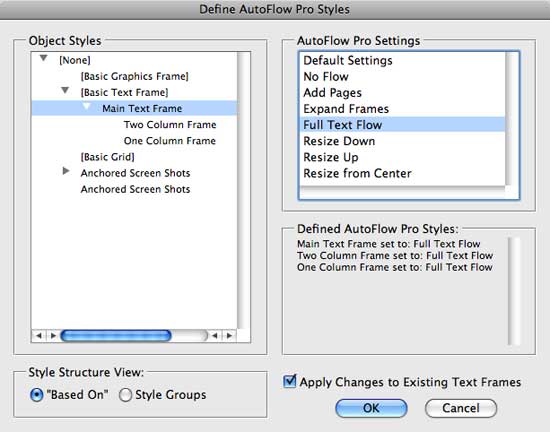
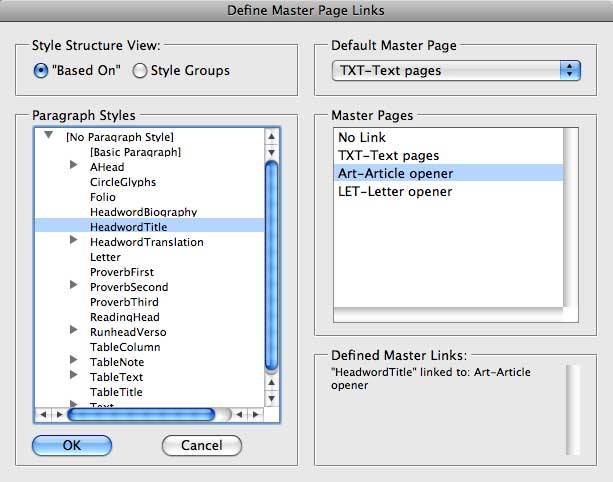
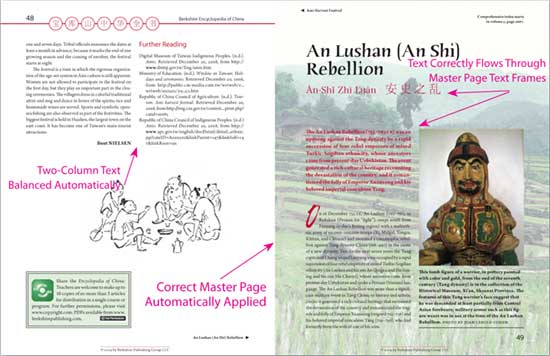

AutoFlow Pro – A Revolution in Document Composition!
AutoFlow Pro is simple to use and intuitive enough for even beginner users – but is also an incredibly advanced plugin which can flow documents in extremely complex ways.
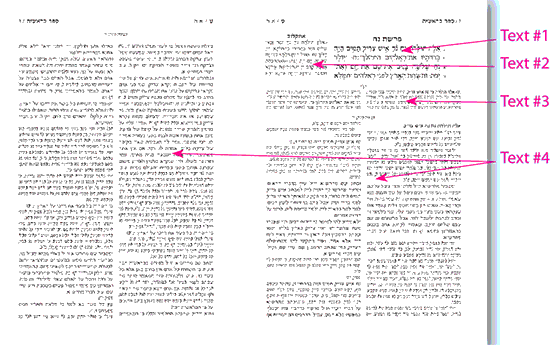
AutoFlow Pro puts you in complete control of automating the flowing and reflowing of your layout’s text and images, using both master frames and non-master frames, across entire documents.
• AutoFlow Pro dynamically expands and shrinks individual text frames, and threaded stories.
• AutoFlow Pro does not require the use of master text frames (an important advantage over other products which offer auto-flow capabilities).
• AutoFlow Pro can apply unique settings to every individual story in a document.
• AutoFlow Pro intelligently flows the text according to your settings!
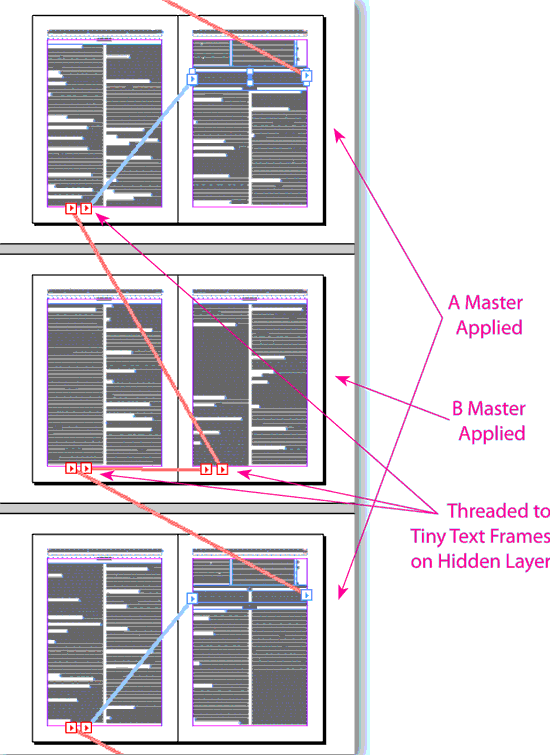
• AutoFlow Pro applies master pages according to your settings to transform ordinary master pages into dynamic page templates that can move and resize both text frames and graphic frames, by simply applying a different master page!
• AutoFlow Pro’s transformations can be automatically activated by text reflows.

I would like to know if this program could be used to populate a magazine page with 20 automobile images and 20 text boxes. I need the capability of adding or removing an image and the other frames on the pages shift. Please contact me ASAP as I will need to get this taken care of quickly.
Hi Nick,
It’s hard to say whether AutoFlow Pro cold help without seeing your exact needs.
In general, AutoFlow Pro is more about controlling content than placing content.
Feel free to contact us about your specific needs so we can advise you better.
Hello Harbs,
Looking to arm my InDesign 5.5 with Autoflow Pro. As a past customer do I use the CS2 upgrade? And, didn’t I used to have to have APID Tool Assistant? Still, or does it come with the upgrade?
Otto
Yes. Just select the “upgrade” option to get upgrade pricing.
APID is included in the installer. You don’t need anything besides the AutoFlow Pro installer.
DearInTools.com
How long is the trial version for?
Thank you, Lynette Ann Hampson
AutoFlow Pro works fully functional in trial mode for 30 days.
I’m having some issues with the installer. Once downloaded and opened, it gives not option to install anything other than the documentation. All CS versions are greyed out.
Is this an installer issue, or am I out to lunch?
Cheers.
Please disregard…the solution has been found!
Are you on Mac? The Mac installer assumes InDesign is installed in the default location. If you installed in a custom location, you will need to move the install folder back to the default location until after the installer runs.