


Story Control is included in the AutoLayout Suite. Find out more

What is Story Control?
Stories in InDesign have no logical order.
The order of stories are in fact completely arbitrary. While one can layout stories in a visual order by manually placing the text frames of one story following another, there is no good way to automate layout across multiple stories.
Story Control introduces a new concept to InDesign—“Story Strings”.
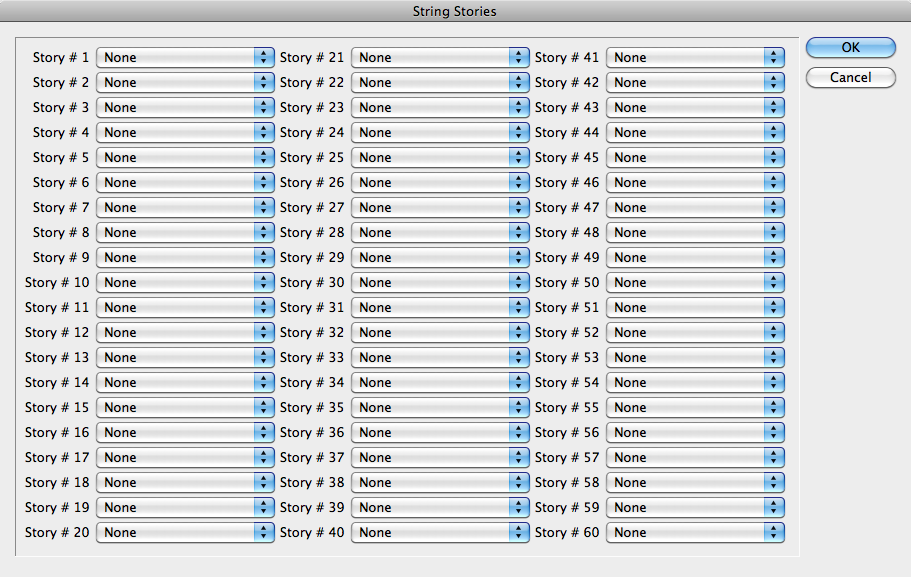
The purpose of Story Control, is to remedy this shortcoming. Story Control gives you the ability to break up stories while keeping the text order, as well as define unrelated stories in a logical order. Once the stories are defined as “Story Strings” (a series of stories with a defined order) there are many options which open up to us.
In fact, one of the impetuses for creating Story Control was a specific job which came in as over 40 different Word documents. They were to be laid out in a specific order. The problem was: there was no order identifiable by the file names. The order was based on the first words in each document—a designer’s nightmare!
Using Story Control, once all the files are imported—by drag and drop for example, ordering the stories is a simple matter. Story Control can automatically label the stories based on the first words. Tell Story Control the correct order, and the stories are all laid out correctly.
A time-consuming and frustrating task becomes amazingly quick and easy with the Story Control plug-in!
Story Control integrates with many of the other plug-ins available from In- Tools.
- Breaking up a story into smaller stories can greatly improve the performance of Proper VJ.
- When a story is broken into smaller ones using Story Control, AutoFlow Pro can be used to automatically add pages as necessary. These pages will be added between stories, and will not adversely affect the layout.
- Column Flow can automatically flow story strings one following the other.